🎩Hocus Pocus Focus
A better browsing habit
Pick the sites you open on autopilot. Land somewhere you chose instead.
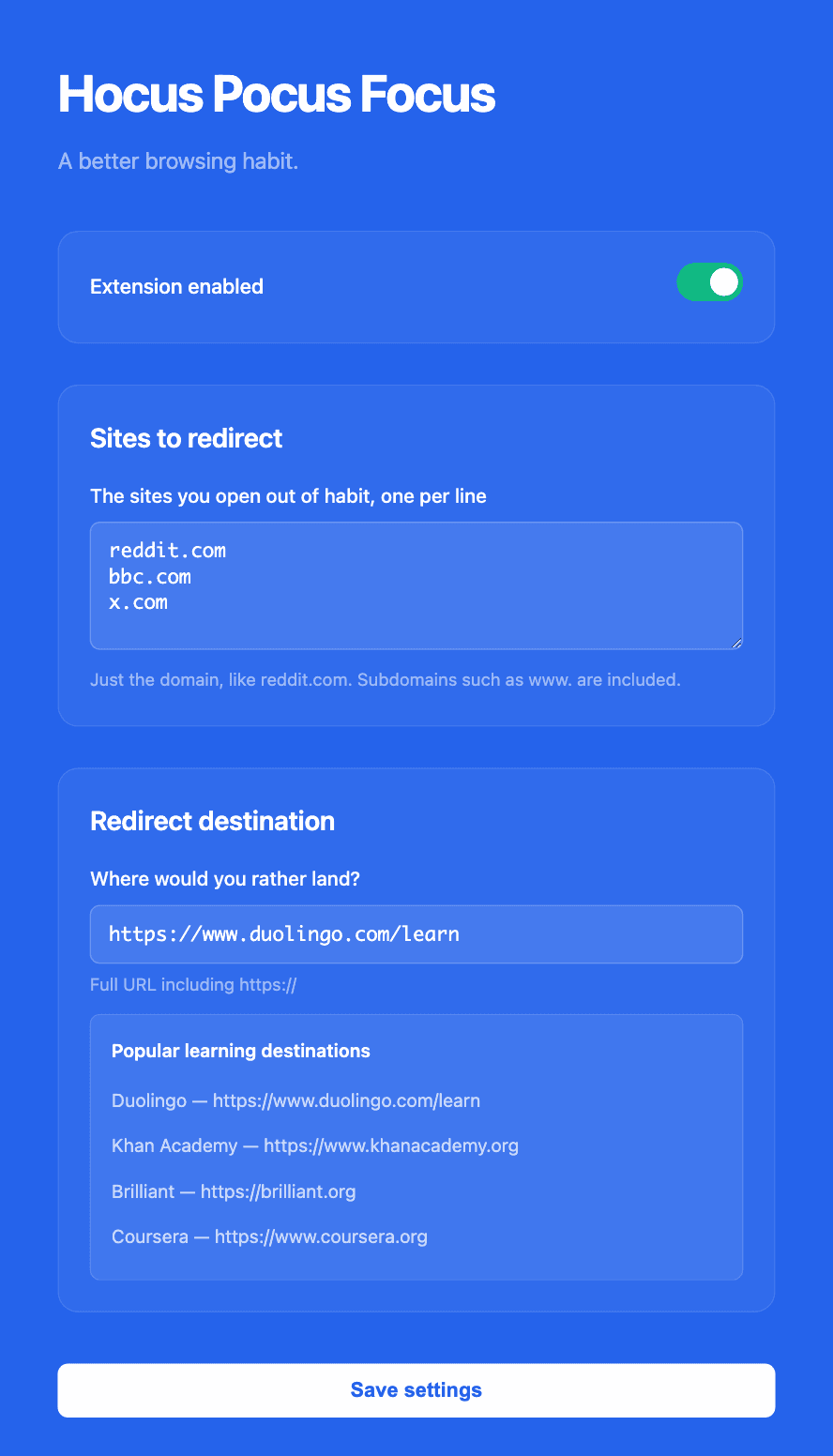
How it works
Three steps, about ninety seconds. Set it once, and it works every time you slip.
Pick your sites
List the sites you open without thinking — BBC News, Reddit, Twitter. One domain per line, no regex to learn.
Set your goal
Pick where you should be instead: Duolingo, Khan Academy, ChatGPT, your own docs. Any URL works.
Land somewhere better
Next time your fingers type one of them, the tab lands on your destination instead. No willpower required.
Small extension, no surprises
Six things it does, and nothing it does behind your back.
Redirect any website
Any domain you can type. No curated categories to argue with.
Smart redirects
No dead end — the destination you chose, loaded instantly.
One-click toggle
Off for the evening, on for the workday. One switch in the toolbar popup.
Privacy-first
Settings live in browser storage. No servers, no accounts, no analytics.
Beautiful interface
A popup and a settings page that look like someone cared. Someone did.
Free
No account, no trial, no paid tier.
Point the reflex somewhere useful
The habit does not go away. It just lands somewhere better.
Learn Languages
Doom-scrolling the headlines becomes a streak. Every reflex to check the news turns into a lesson.
Build Skills
Redirect the feed refresh into a course. The habit stays; the destination gets an upgrade.
Deep Work
Send every escape route back to the thing you are actually building — docs, board, or editor.
Inside the extension
A settings page, a toolbar popup, and the redirect that does the work.
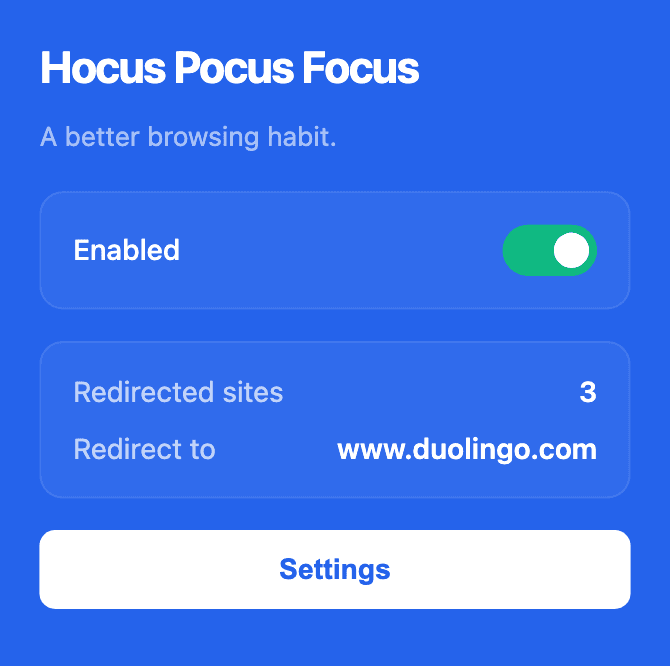
Toolbar popup — toggle, site count, current destination.
Two surfaces, that's the whole thing
The popup is the daily driver: one toggle, and a glance at which sites are redirected and where they land. The settings page — shown at the top of this page — is where you edit your site list and pick the destination. There is no third screen, no account, and no dashboard.
bbc.com → duolingo.com, every time
Twenty minutes of headlines you did not plan for.
Back where you meant to be, before you noticed.
Support This Project
Hocus Pocus Focus is free and always will be. If it helps you build a better habit, consider supporting development: